EJA Services Downloader, Converter And Editor
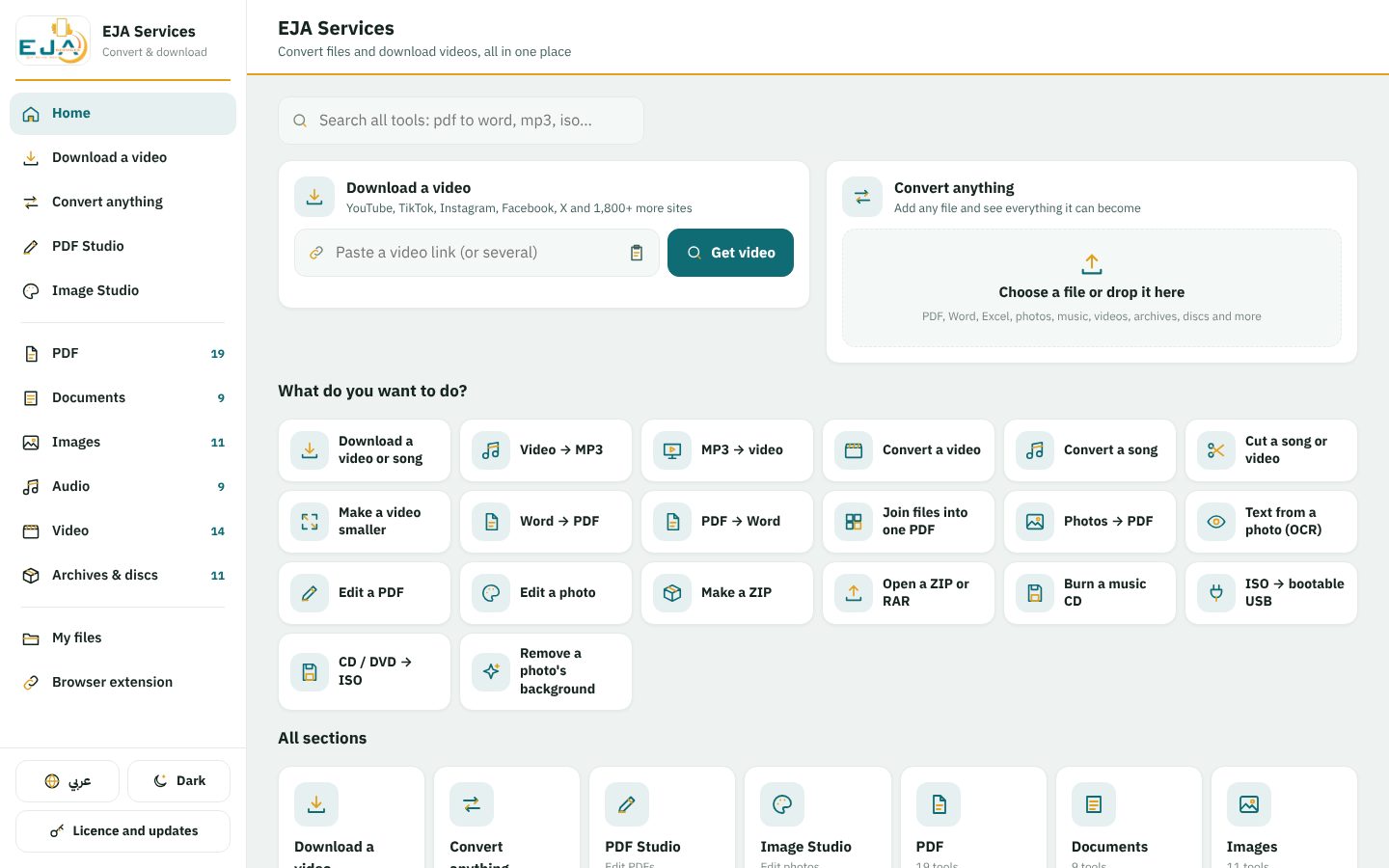
Download videos from 1,800+ sites, convert any file, edit PDFs and photos, burn discs and make bootable USB sticks. All in one app for Windows.
What it does
Install in three steps
- Download the installer
Press “Download for Windows” above and wait for the file to finish.
- Open it and press Install
If Windows shows “Windows protected your PC”, press “More info”, then “Run anyway”.
- Start the app
Try it free, or sign in with the email and password you got from EJA Services.
Plans
How to subscribe
- Choose a plan
Pick monthly, yearly or lifetime above and press “Buy on WhatsApp”.
- Pay
Pay the way you agree with us on WhatsApp. We confirm your payment there.
- Get your account
Once the payment is confirmed, you receive your email and password (or a licence key) on WhatsApp.
- Sign in in the app
Download, install, open EJA Services and sign in. That's it.
Questions
Does it work without internet?
Yes. Converting, editing, burning and USB sticks all work offline. The app only needs the internet once a week to check your licence, and of course for downloading videos.
Are my files uploaded anywhere?
No. Everything is done on your own computer; your files never leave it.
On how many computers can I use it?
It depends on your plan (shown on each plan above). Changed computers? Remove the old one on “My account”, then sign in on the new one.
Are updates free?
Yes, while your plan lasts (forever with Lifetime). The app tells you when a new version is ready and updates itself in a minute.
What do I need?
Windows 10 or 11 (64-bit) and about 2 GB of free space.
What happens when my plan ends?
The app stops until you renew. Your files stay on your computer, and renewing on WhatsApp takes a minute.